Copy Sample Slots
Copy Sample Slots manages the 256 sample slots (128 Static, 128 Flex) across projects. It copies slot assignments and can transfer or reorganize the underlying audio files.
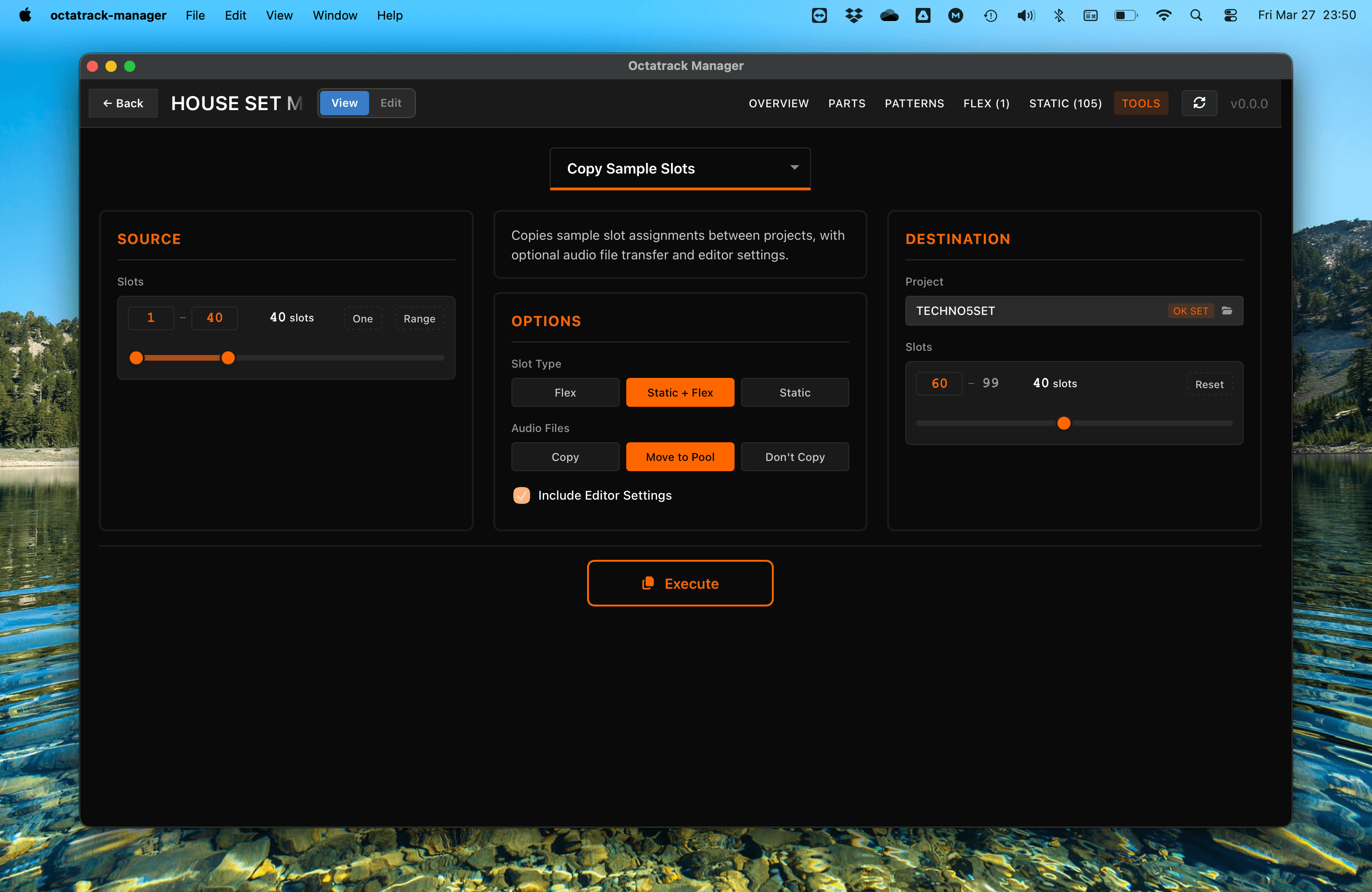
Workflow
- Source: The current project's sample slots are used as the source. Use
Onemode to select a single slot, orRangemode to select a contiguous range (with dual sliders). - Destination: Select the destination slot positions in target project.
- Configure Options: Choose slot type, audio file handling, and editor settings.
- Execute: Perform the sample slot copy.


Configuration Options
Slot Type
- Static + Flex: Copy both Static and Flex slot assignments.
- Static Only: Copy only Static slot assignments; Flex slots are untouched.
- Flex Only: Copy only Flex slot assignments; Static slots are untouched.
Audio Files
- Copy: Copy referenced audio files to the destination project's root directory (by filename only, regardless of where the source file is located).
.otmetadata files are included only when Include Editor Settings is enabled. The destination slot path is updated to reference the file in the project root. - Move to Pool: Move audio files to the Set's shared
AUDIO/folder and update slot paths to../AUDIO/in both the source and destination projects.- Only available when source and destination projects are in the same Set.
- If a source file is also referenced by the opposite slot type (e.g., a file used by both a Static and Flex slot), the original file is kept to avoid breaking the other reference — the success message reports how many shared files were preserved.
- Don't Copy: Copy only the slot assignment data (file path reference); no audio files are transferred.
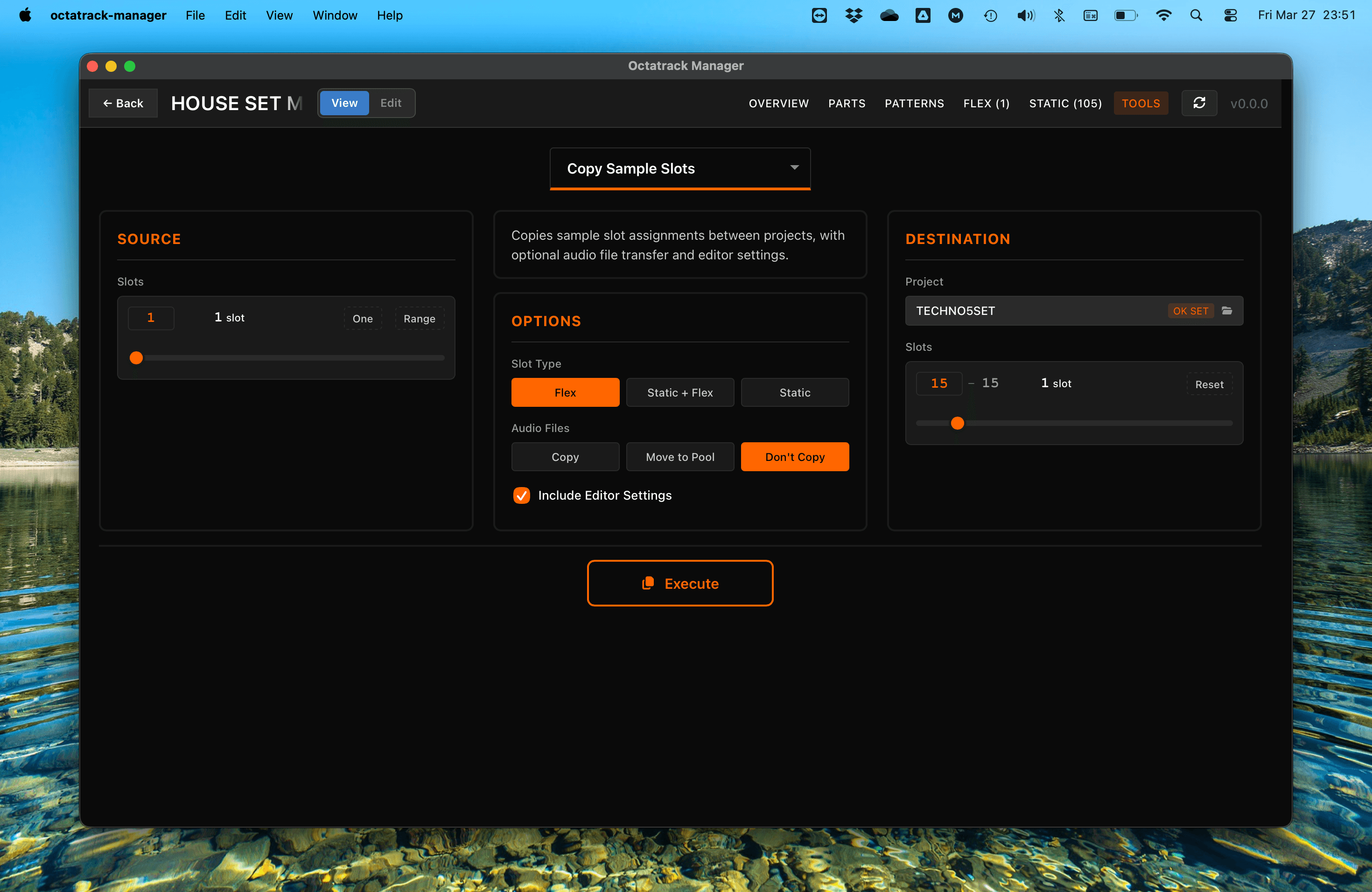
When the audio file mode is set to Copy or Move to Pool, a warning badge is displayed if any source audio files are missing on disk.
Include Editor Settings
When enabled, copies:
- per-slot editor settings stored in the project file (gain, BPM, loop mode, timestretch, trig quantization)
- markers stored in the markers file (trim points, loop points, slices)
- and
.otmetadata files from the source slots.
When disabled, project and marker settings are reset to defaults in the destination, and .ot files are not copied.
This option is always enabled and cannot be toggled off when using Move to Pool, since relocating files must preserve all metadata — including .ot files which the Octatrack expects alongside the audio file.
Slot Mapping
Each copied slot(s) respects user selection regarding destination slot ID: For example, copying source slot 2 to destination slot 10 results in a slot with slot_id = 10, not the source's original ID.
That's true for both One and Range source selection.
In case selected destination slot does not leave enough room for all selected source slots (Range mode), the warning Some slots will overflow is displayed and the "Execute" button is disabled to prevent an invalid copy. Adjust the source range or the destination start slot to resolve the overflow before executing.

Important Notes
- Automatic Backup: Before executing, the app automatically backs up
project.work,markers.work, and any destination audio files (.wav+.ot) that would be overwritten.- When using Move to Pool, the source project's
project.workand audio files are also backed up since both are modified. - See Tools Overview for details.
- When using Move to Pool, the source project's
- Move to Pool: Only available when both projects are in the same Set. The option auto-switches to "Copy" if you select a destination project in a different Set.
- Shared Files: When using Move to Pool, files referenced by both Static and Flex slots are not deleted from the source location to prevent breaking cross-references.