Tools Overview
The Tools tab provides powerful bulk operations for moving content between Octatrack projects. These tools let you merge live sets, copy sound designs between banks, and reorganize your sample library without manual work on the hardware.
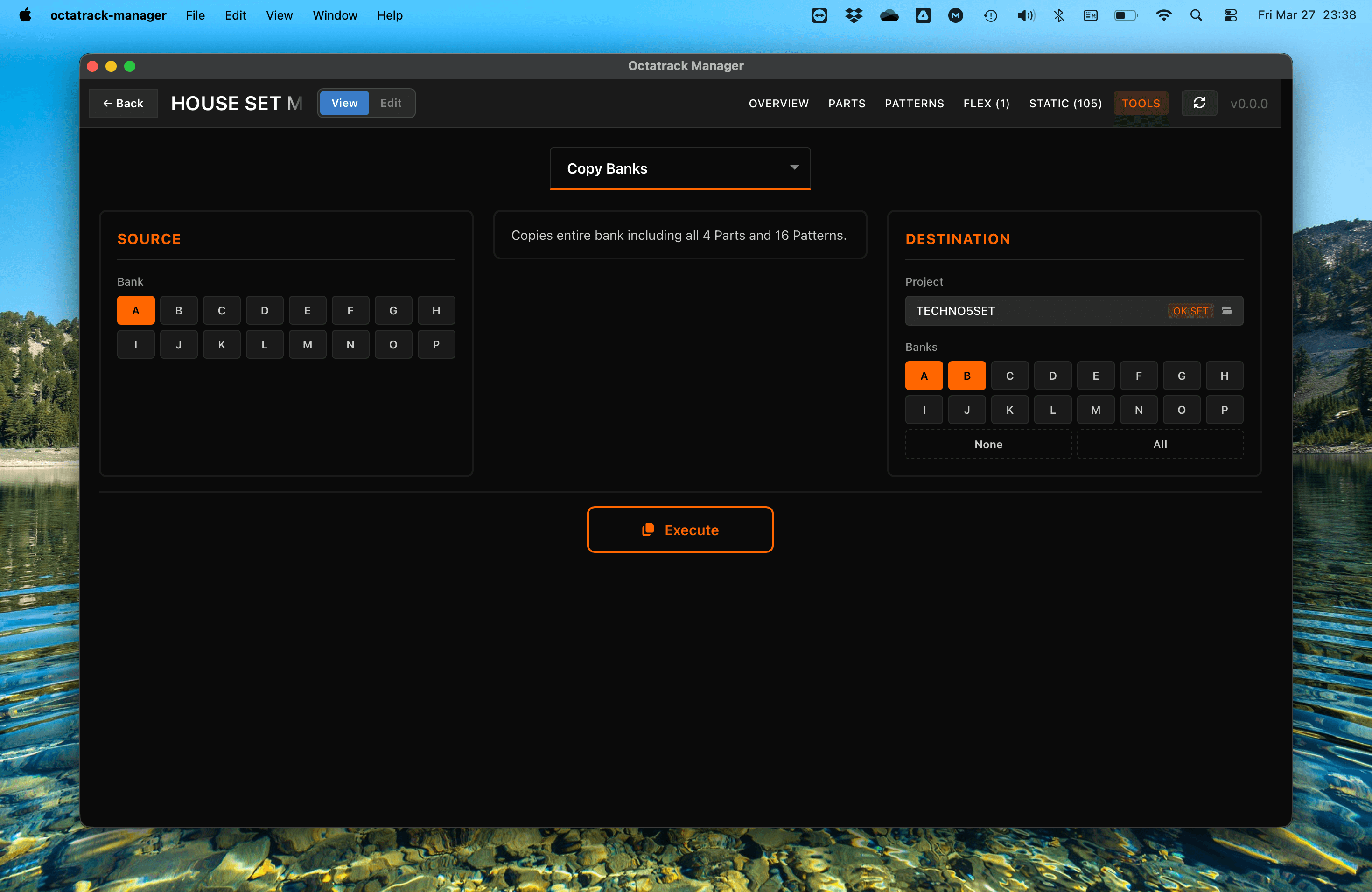
Available Operations
1. Copy Banks
Copy an entire bank (all 16 patterns and all 4 parts) to one or more destination banks, within or across projects.
2. Copy Parts
Copy Part sound design (machines, amps, LFOs, FX) between parts, within or across projects.
3. Copy Patterns
Copy individual patterns between banks and projects, with configurable part assignment, track scope, and mode scope (Audio/Both/MIDI).
4. Copy Tracks
Copy individual track data (sound design and/or pattern triggers) between parts and patterns. Supports single-to-multiple track and pattern mapping.
5. Copy Sample Slots
Copy sample slot assignments between projects, with optional audio file transfer and Audio Pool management.
6. Fix Missing Samples
Scan for broken sample references and automatically locate and reconnect missing audio files across the project, Audio Pool, and sibling projects.
General Workflow
All tools follow a consistent workflow:
- Select Source: Choose the bank, part, pattern, or slots to copy from.
- Select Destination: Choose the target project, bank, and location. The destination project selector lets you pick from scanned projects, browse for a folder, or select the current project.
- Configure Options: Refine exactly what data is copied.
- Execute: Perform the copy operation.
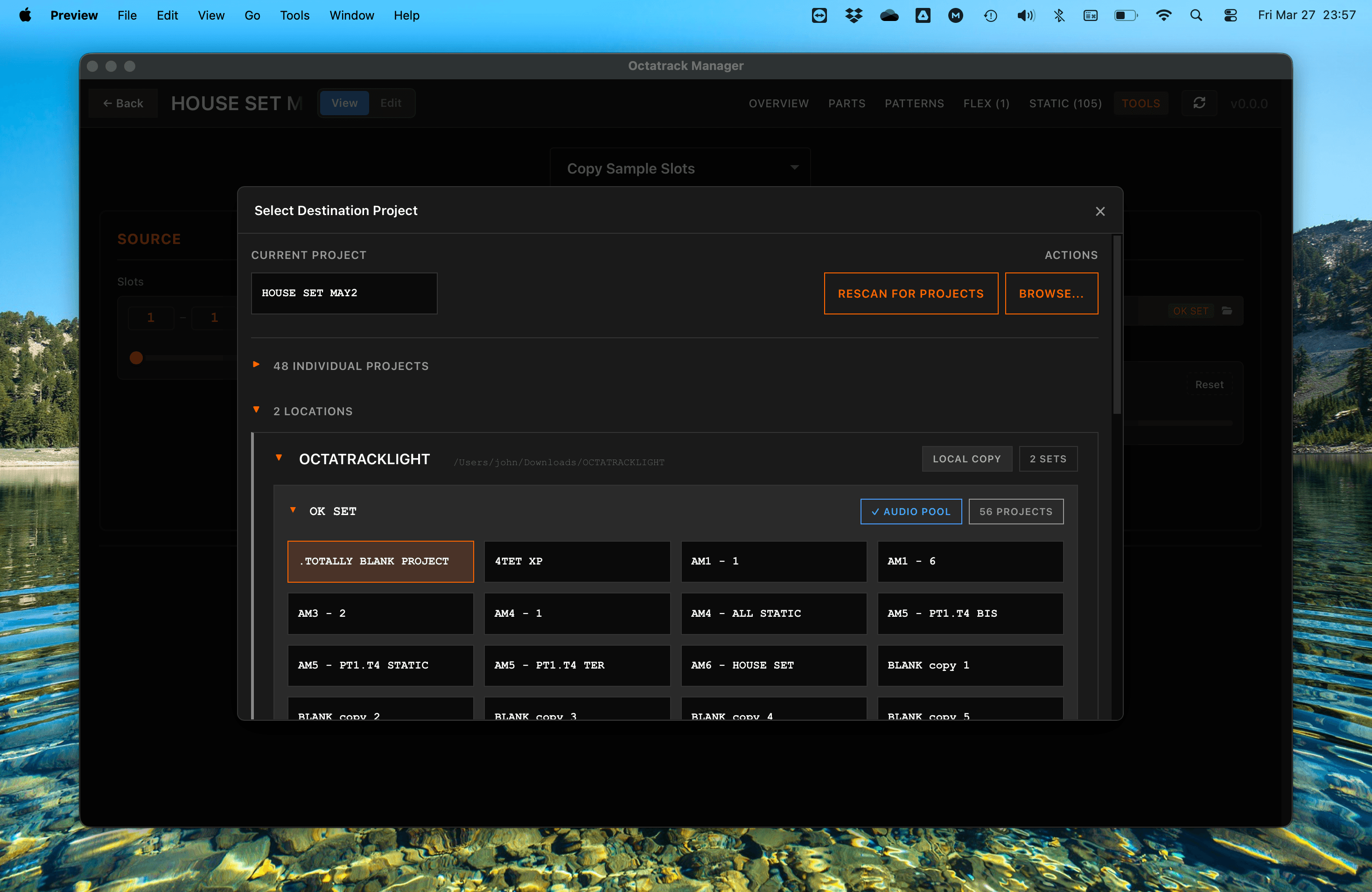
Each operation displays a description near options panel, explaining what it does.
Automatic Backups
Every time you execute a copy operation or enable Edit mode, the app automatically backs up the destination files that are about to be modified. Backups are stored inside the project directory under:
<project>/backups/<timestamp>_<operation>/
For example: backups/2026-03-26_14-30-45_copy_bank/
What gets backed up:
| Operation | Backed-up files |
|---|---|
| Copy Banks | Destination bank file(s) (e.g., bank01.work) |
| Copy Parts | Destination bank file(s) |
| Copy Patterns | Destination bank file |
| Copy Tracks | Destination bank file |
| Copy Sample Slots (Copy) | Destination: project.work, markers.work, and audio files (.wav + .ot) that would be overwritten |
| Copy Sample Slots (Move to Pool) | Destination: project.work, markers.workSource: project.work and audio files (.wav + .ot) that will be moved/deleted |
| Fix Missing Samples | project.work (and sibling projects' project.work when using Move to Pool) |
| Edit mode toggle (in header) | Current bank file |
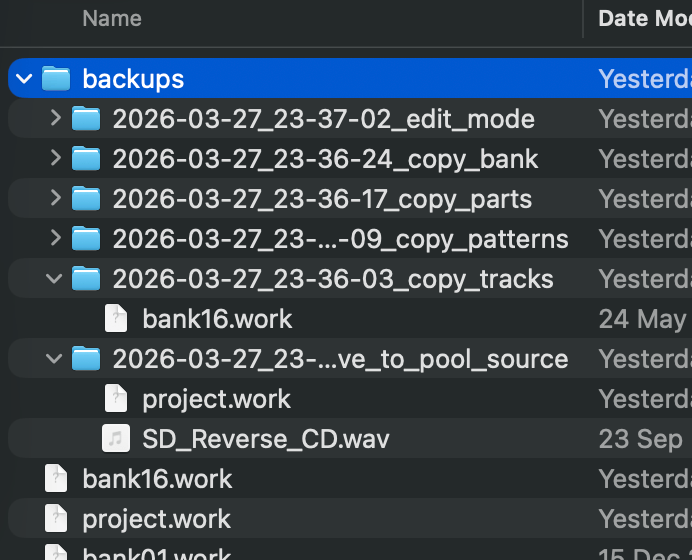
To restore from a backup, simply copy the backed-up files back into the project directory, replacing the modified ones.
Safety and Data Integrity
- Automatic Backups: The app creates timestamped backups before every write operation (see above).
- Validation: The interface prevents invalid selections (e.g., mixing audio and MIDI track types) and disables the Execute button until all required fields are set.
- Direct File Modification: These tools modify project files immediately. The automatic backup lets you revert changes manually if needed.
Always back up your project files anyways: While the app creates automatic backups (see above), no software is guaranteed to work perfectly. Keep your own copies of important work.