Copy Patterns
Copy Patterns copies individual sequencer data (1–16) between banks and projects, with granular control over track scope, part assignment and mode (Audio / MIDI) scope.
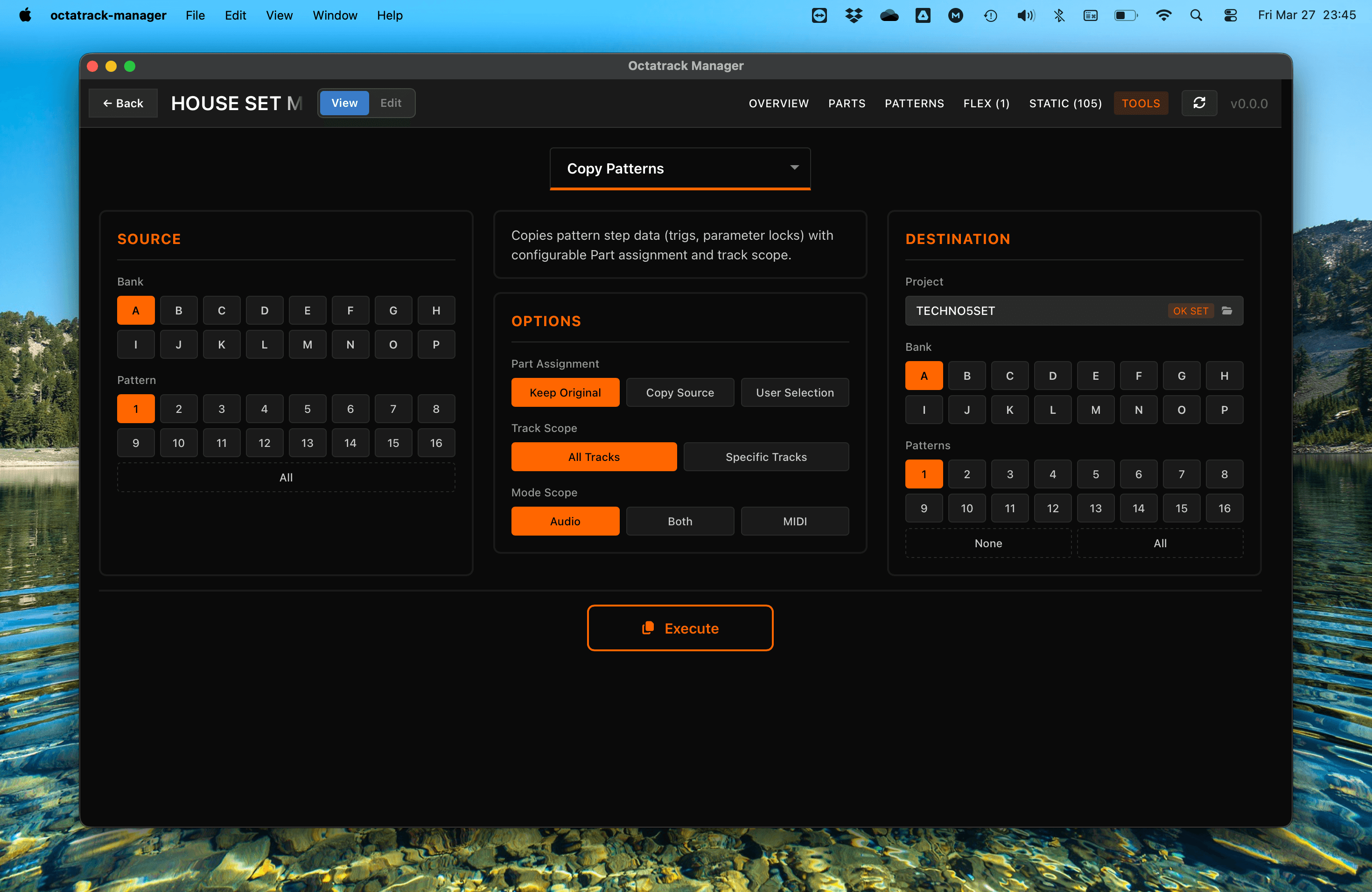
Workflow
- Source: Select the bank (A–P) and pattern (1–16, or All for 1-to-1 copy).
- Destination: Choose the target project, bank, and target pattern(s).
- Configure Options: Set part assignment, track scope, and mode scope.
- Execute: Perform the copy.
Copy Options
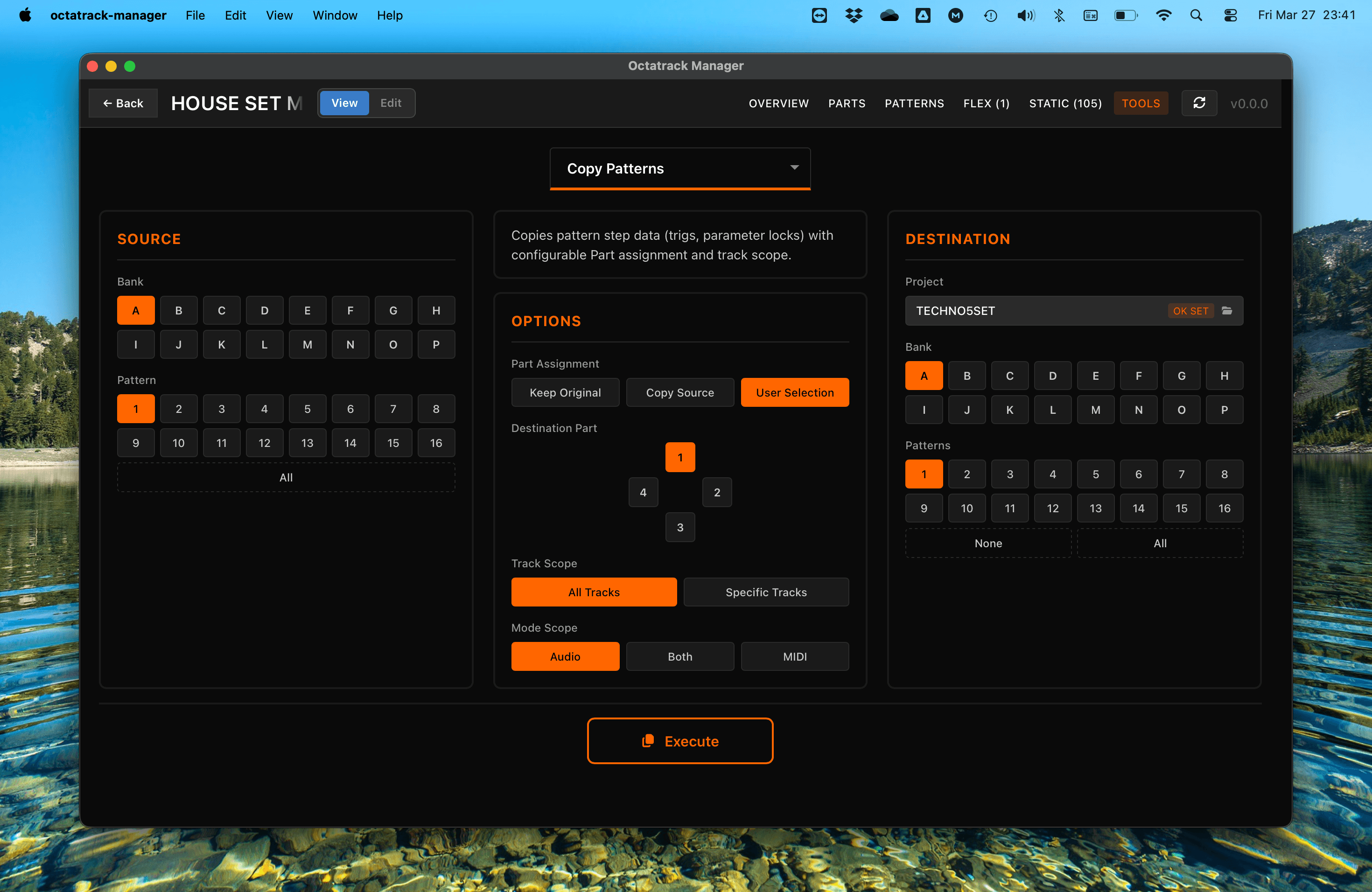
Part Assignment
- Keep Original: Destination patterns keep their existing part assignment.
- Copy Source Part: The source pattern's part data is also copied; destination patterns reference the copied part.
- User Selection: Manually choose which part (1–4) to assign to the destination patterns.
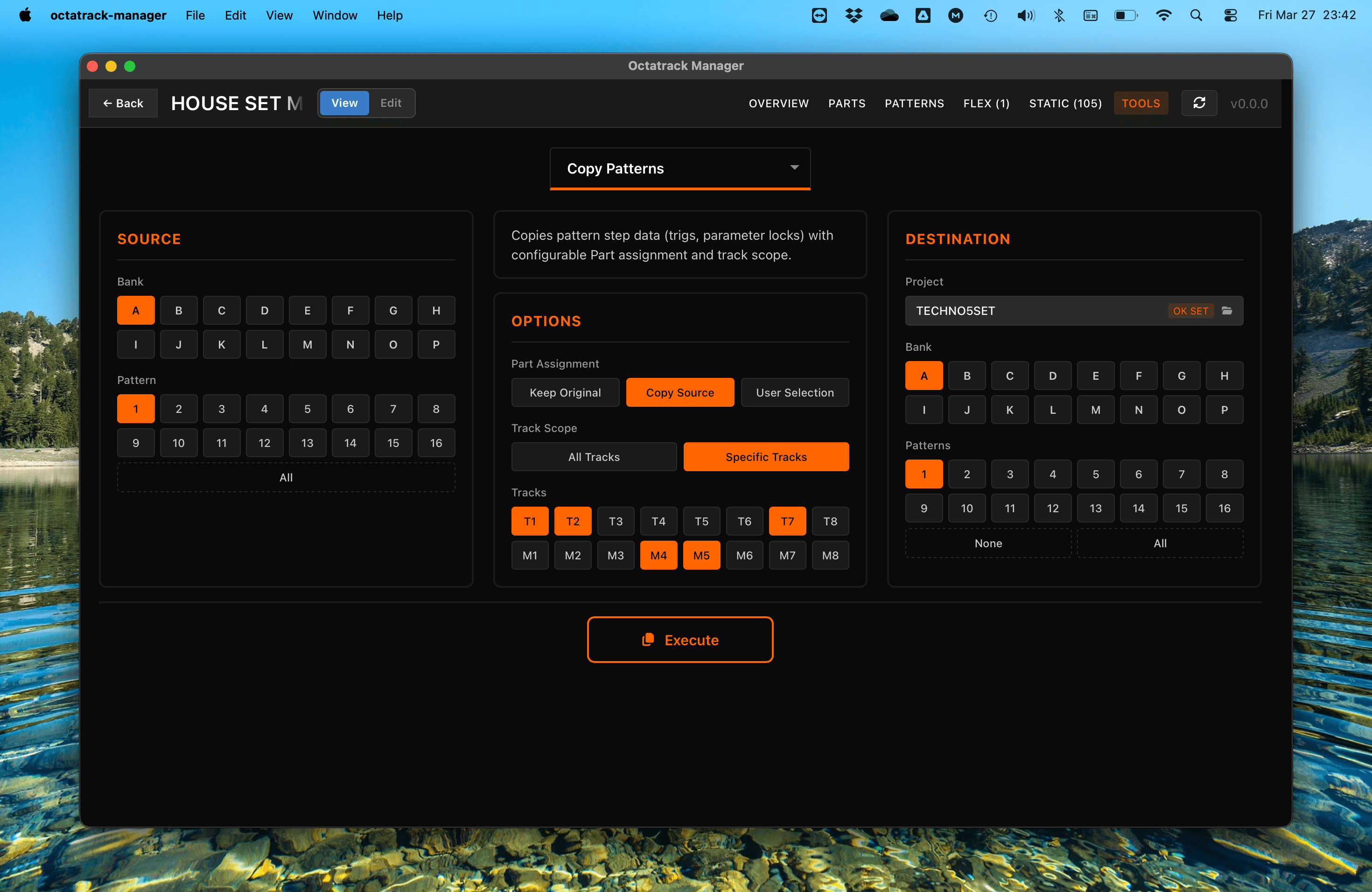
Track Scope
- All Tracks: Copy triggers and p-locks for all tracks, filtered by Mode Scope.
- Specific Tracks: Copy only selected tracks (only T1, T2, T7, M4 and M5).
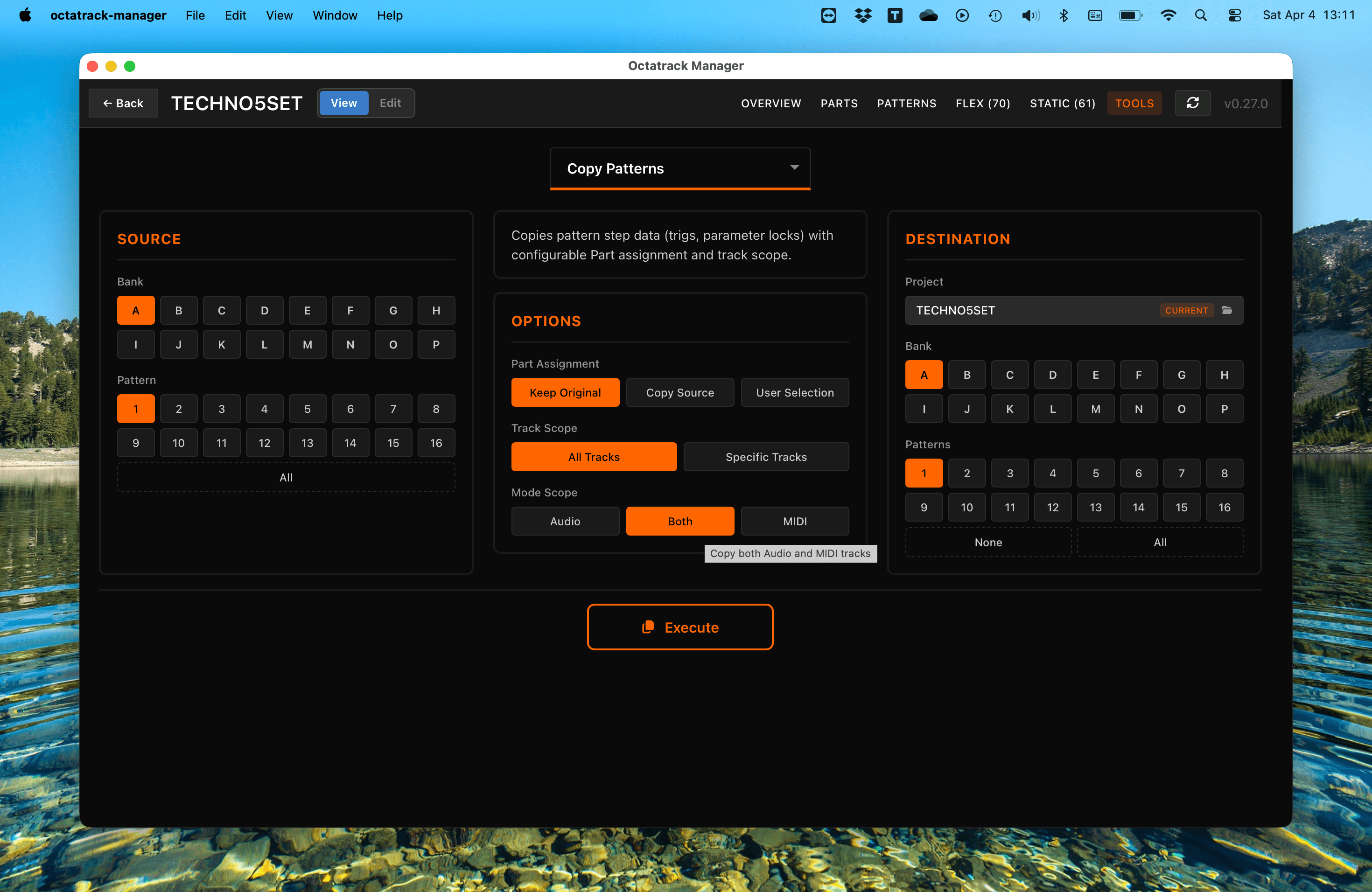
Mode Scope
Visible when All Tracks is selected. Controls which track types are copied:
- Audio: Copy only audio tracks (T1–T8); MIDI tracks in the destination are untouched.
- MIDI: Copy only MIDI tracks (M1–M8); audio tracks in the destination are untouched.
- Both: Copy all 16 tracks (T1–T8 and M1–M8).
Data Copied
- Triggers: Standard, trigless, and one-shot triggers.
- Parameter Locks: Every parameter lock on every step.
- Trig Conditions & Timing: Probability, fill, and micro-timing.
- Track Length & Scale: Sequencer length and speed settings.
Important Notes
- All Tracks Affected: Pattern data includes of all Audio and MIDI tracks of current bank - it's not tied to individual tracks.
- Destructive Operation: Copying a pattern replaces existing sequences at the destination.
- Automatic Backup: The app automatically backs up the destination bank file before executing. See Tools Overview for details.