Copy Parts
Copy Parts transfers Parts (sound design snapshots — the equivalent of a "kit") between different banks and projects. Use it to quickly move a sound you've developed to a new part.
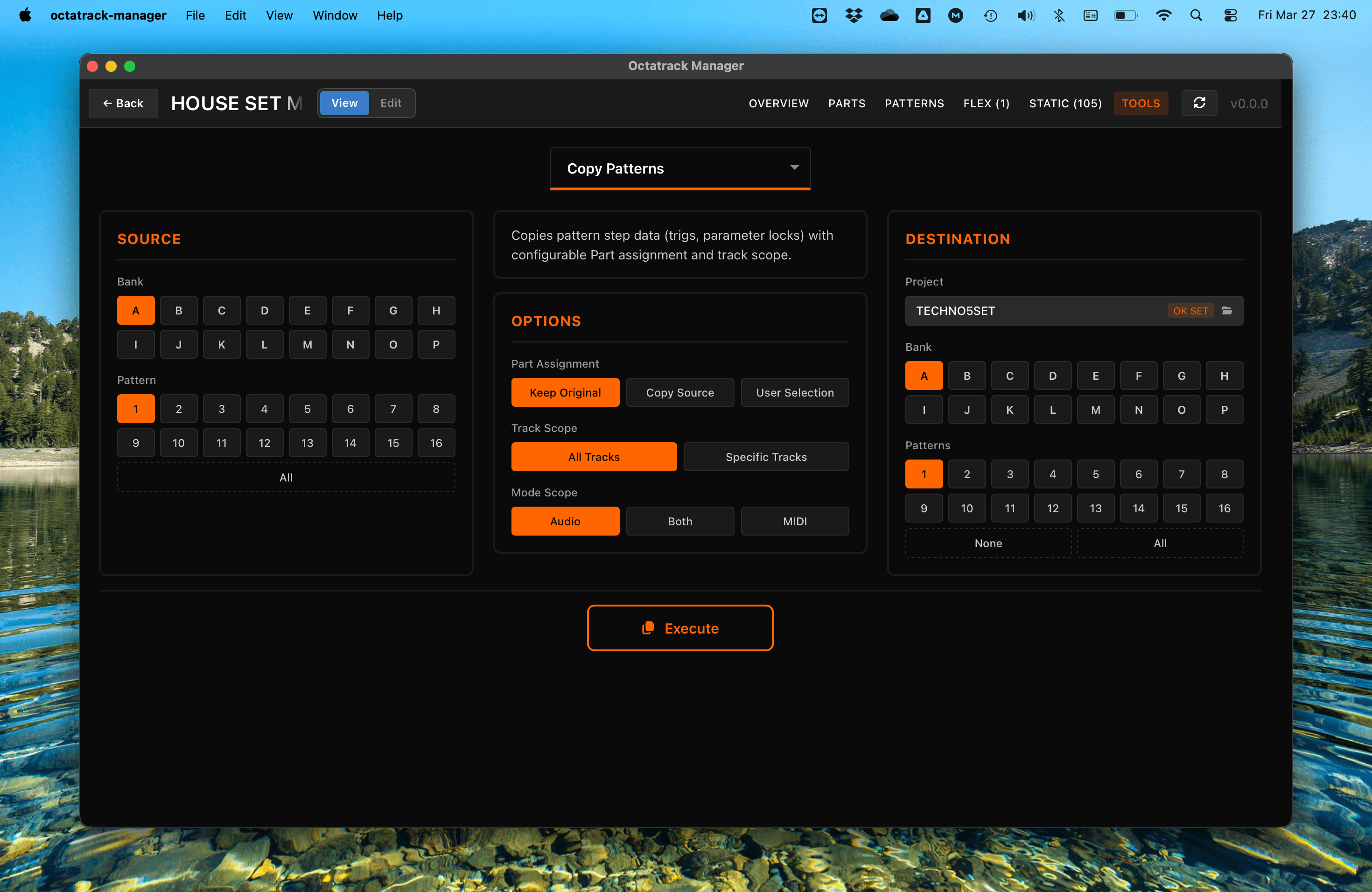
Workflow
- Source: Choose the source bank (A–P) and part (1–4, or All for 1-to-1 copy).
- Destination: Choose the target project, one or more destination banks (A–P), and one or more destination parts.
- Execute: Perform the part copy.
Data Copied
All sound design data for both audio and MIDI tracks:
Audio Track Settings
- Machine Type and Parameters: Core sound engine settings defined in track parameter Pages.
- Amplifier Settings: Envelope, volume, and balance.
- Effects (FX1 & FX2): Assigned effects and their parameters.
- LFOs: Waveforms, speed, depth, and destination.
MIDI Track Settings
- MIDI Parameters: Notes, velocity, length, and MIDI channel.
- LFOs: MIDI LFO configurations.
Part Metadata
- Part Names: Custom part names are copied.
- Saved State: Both saved (backup) and unsaved (working) states are transferred.
- Edited State: Mirrors the source part's edited status.
Important Notes
- All Tracks Affected: Part data includes parameters of all Audio and MIDI tracks of current bank - it's not tied to individual tracks.
- Patterns Not Affected: This operation only copies sound design settings (the Part), not sequences or triggers.
- Automatic Backup: The app automatically backs up destination bank files before executing. See Tools Overview for details.
- Sample Slot References: This tool only copies the reference to a sample slot id (which Slot is assigned to track), not the Sample Slot metadata, nor audio file itself. Use Copy Sample Slots to transfer audio files.